

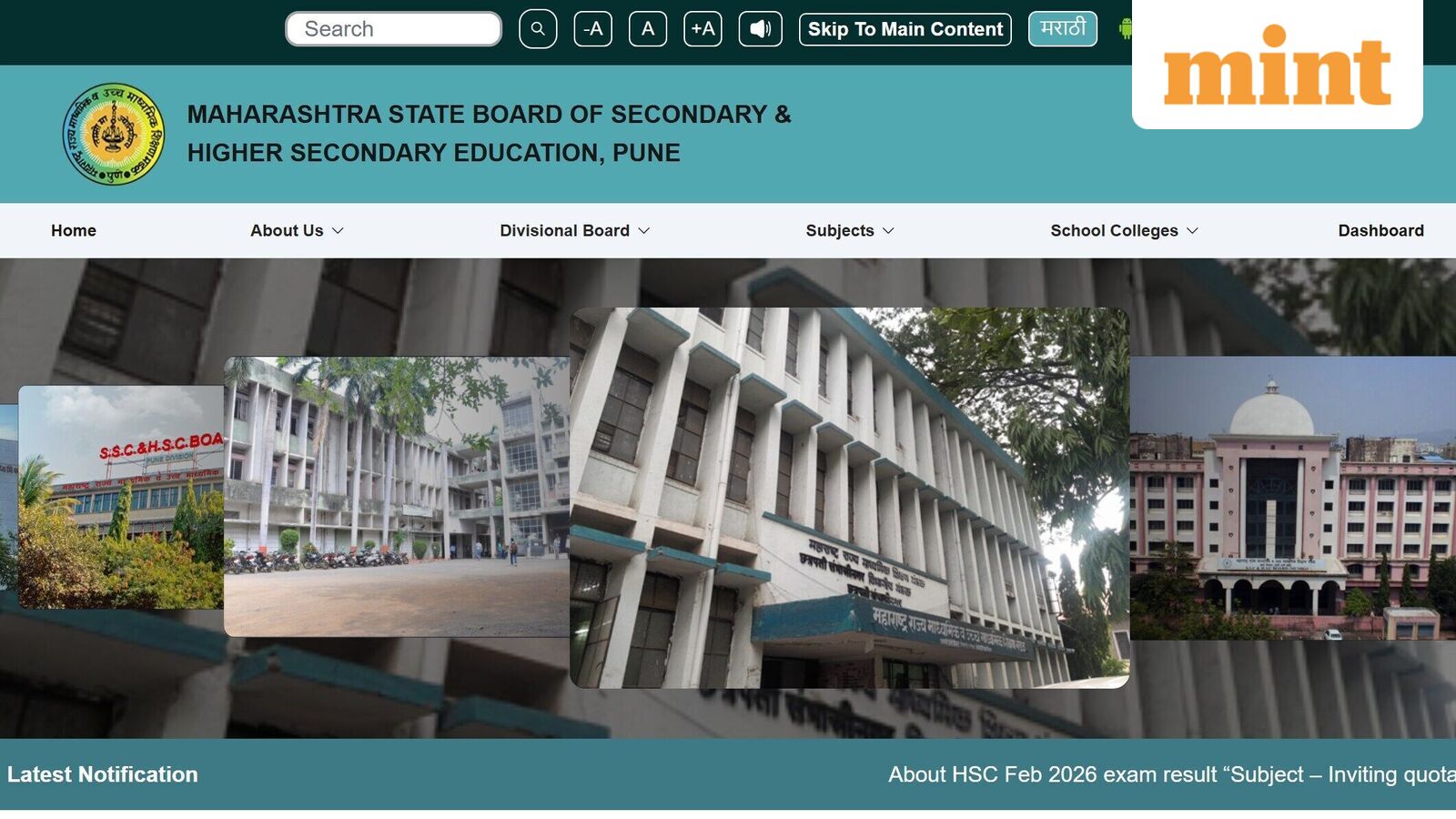
The Maharashtra State Board of Secondary and Higher Secondary Education (MSBSHSE) recently confirmed the much-awaited date and time of Higher Secondary Certificate (HSC) result. Since, Digilocker shared the update that results will be ‘Coming Soon’, excitement and nervousness is building among students about when, where and how to check 12th scorecard.
Maharashtra HSC Result 2026 date and time
In a press releases dated 30 April, MSBSHSE said that the HSC result will be declared on 2 May 2026, Saturday, at 1:00 PM. State Board chairman Trigun Kulkarni on Thursday confirmed that Students will be able to access their results online from 1 pm onwards on Saturday.
Where to check Maharashtra 12th Result 2026
He also noted that HSC result will declared three days earlier than last year. In 2025, MSBSHSE 12th scorecard was released on 5 May but this year the results will be declared on 2 May. Students can check their scorecards at the official website of MSBSHSE at hscresult.mkcl.org or mahahsscboard.in. Students can also check the Maharashtra board HSC result 2026 at Digilocker website or app, in addition to the official websites.
Digilocker in a post on X stated, “Coming Soon! ⏳Maharashtra Board Class XII Result 2026 will be available on DigiLocker. Stay ready to check your results instantly: http://results.digilocker.gov.in.”
This year, as many as 15,32,487 students registered for the HSC exam. A total of 7,99,773 students across the state were from the science stream, 3,80,692 from arts, 3,20,152 from commerce, 27,378 from the vocational stream, and 4,492 from Industrial Training Institutes (ITI).
How to check Maharashtra HSC Result 2026 online
Maharashtra HSC Result 2026 can be checked by following the steps given below:
Step 1. Visit the official website of MSBSHSE at mahahsscboard.in.
Step 2. Click on Maharashtra HSC Result 2026 link available on the home page.
Step 3. The user will be directed to a new page where candidates will have to enter the login details.
Step 4. Click on submit and your result will be displayed.
Step 5. Check the result and download the page.
Step 6. Keep a hard copy of the same for future reference. For more related details students must track the official website of MBSHSE.
How to check Maharashtra HSC Result 2026 via DigiLocker
Given below are the steps to get results on DigiLocker:
Step 1: Log in using the Username and Password
Step 2: Go to ‘Profile’ and sync the Aadhaar number
Step 3: Click on ‘Pull Partner Documents’
Step 4: Select the required exam from the drop-down menu
Step 5: Enter the required details and click on submit to check Maharashtra HSC Result 2026.