

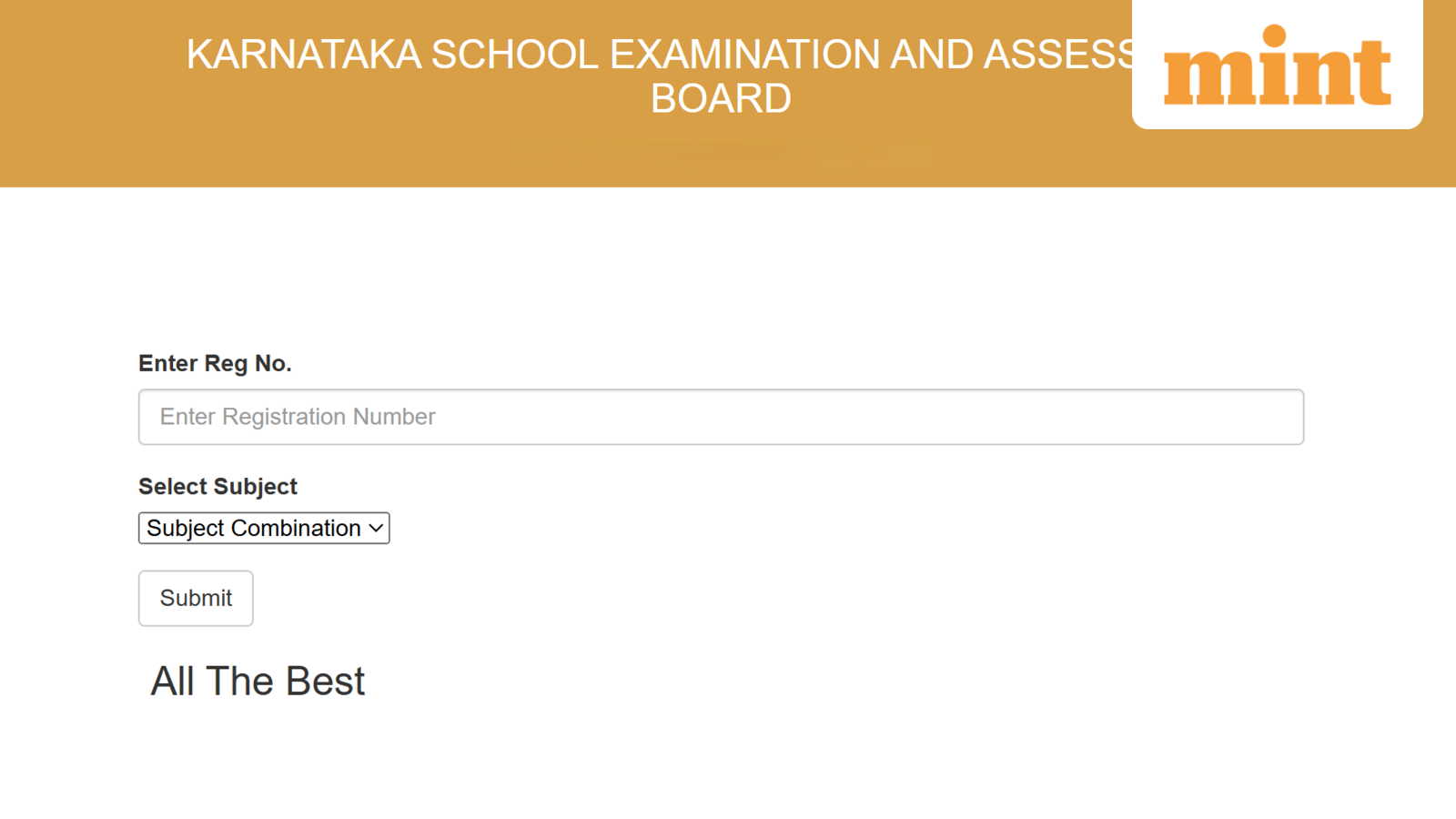
Karnataka SSLC Result 2026: The Karnataka School Examination & Assessment Board (KSEAB) said it will declare the Karnataka SSLC Result 2026 today, 23 April, at 12 PM.
KSEAB students would be able to access their SSLC Result 2026 Karnataka by logging into the official website — karresults.nic.in.
The Secondary School Leaving Certificate (SSLC) exams were held between 18 March and 2 April. This year, a total of 9,02,889 students registered for SSLC exams, including 8,12,855 fresh candidates, 62,845 repeaters, and 27,189 private candidates.
Students must score at least 35% marks in each subject to pass the SSLC Karnataka Result 2026.
Karnataka SSLC Result 2026: Official websites
- karresults.nic.in
- kseab.karnataka.gov.in
Karnataka SSLC Result 2026: Step-by-step guide to download marks memo
Students can check and download the Karnataka 10th result 2026 by following the steps mentioned below:
Step 1: Visit the official website at karresults.nic.in
Step 2: Click Karnataka SSLC Result 2026 link
Step 3: Enter registration number and date of birth
Step 4: Click on submit button
Step 5: Karnataka SSLC marks memo will appear on the screen
Step 6: Download and save Karnataka SSLC Result 2026, take a printout for future reference.
Alternative ways to check the KSEAB 10th marksheet 2026
In the event of severe network latency or website crashes, the KSEAB provisions an SMS-based retrieval system and other alternative websites for students to access their marksheets digitally.
- SMS
- DigiLocker
- KarnatakaOne app
How to check Karnataka SSLC Result 2026 using SMS
Step 1: Open the messaging app on your phone.
Step 2: Type: KSEEB10 (Registration Number)
Step 3: Send it to 56263.
Step 4: The education board will directly send the result to the same mobile number.
Click on this link for Karnataka SSLC Result LIVE updates, toppers list, stats, more
Steps to download marksheet via DigiLocker
Step 1: Open the DigiLocker app on your smartphone or visit digilocker.gov.in.
Step 2: Log in using your registered mobile number/Aadhaar number and your 6-digit security PIN. If you’re a new user, you’ll need to create an account first.
Step 3: Go to the “Search” tab or the “Education” section.
Step 4: Search for “Karnataka School Examination and Assessment Board” (KSEAB).
Step 5: Select “Class 10 Marksheet” (or SSLC Marksheet).
Step 6: Select the year 2026 and enter your Registration Number and Date of Birth (as printed on your hall ticket).
Step 7: Click “Get Document”. Your marksheet will be fetched and saved in the “Issued Documents” section for permanent access.
How to download via KarnatakaOne App
The KarnatakaOne app is a government portal that offers various G2C (Government to Citizen) services, including result downloads:
Step 1: Download and install the KarnatakaOne app from the Google Play Store or Apple App Store.
Step 2: Open the app and register or sign in using your mobile number.
Step 3: Look for the “Education” or “KSEAB Results” service on the home dashboard. On the result day, a direct “SSLC Result 2026” link is typically featured prominently.
Step 4: Click on the link for “SSLC Examination-1 Result 2026”.
Step 5: Enter your Registration Number and Date of Birth.
Step 6: Your digital mark card will appear on the screen.
Step 7: Select the Download/Save option to keep a copy of the PDF.